
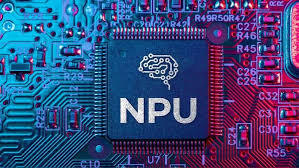
The 2026 Procurement Shift: For the first time in computing history, the speed of your CPU (Central Processing Unit) is no longer the most important spec on the box. In 2026, IT departments are looking at a new number: TOPS (Trillion Operations Per Second). If your next fleet of laptops doesn’t have an NPU capable of 40+ TOPS, you are buying technology that is already obsolete.
Table of Contents
- What is an NPU? (The ‘Third Brain’ of Your Laptop)
- The 40 TOPS Bar: Why it’s the New Gold Standard
- Real-World Benefits: Productivity Beyond the Hype
- The 2026 Hardware Leaderboard: Intel, AMD, and Qualcomm
- The Eduglar Advice: Don’t Buy Until You Check This Spec
<a name=”what-is-npu”></a>
1. What is an NPU? (The ‘Third Brain’ of Your Laptop)
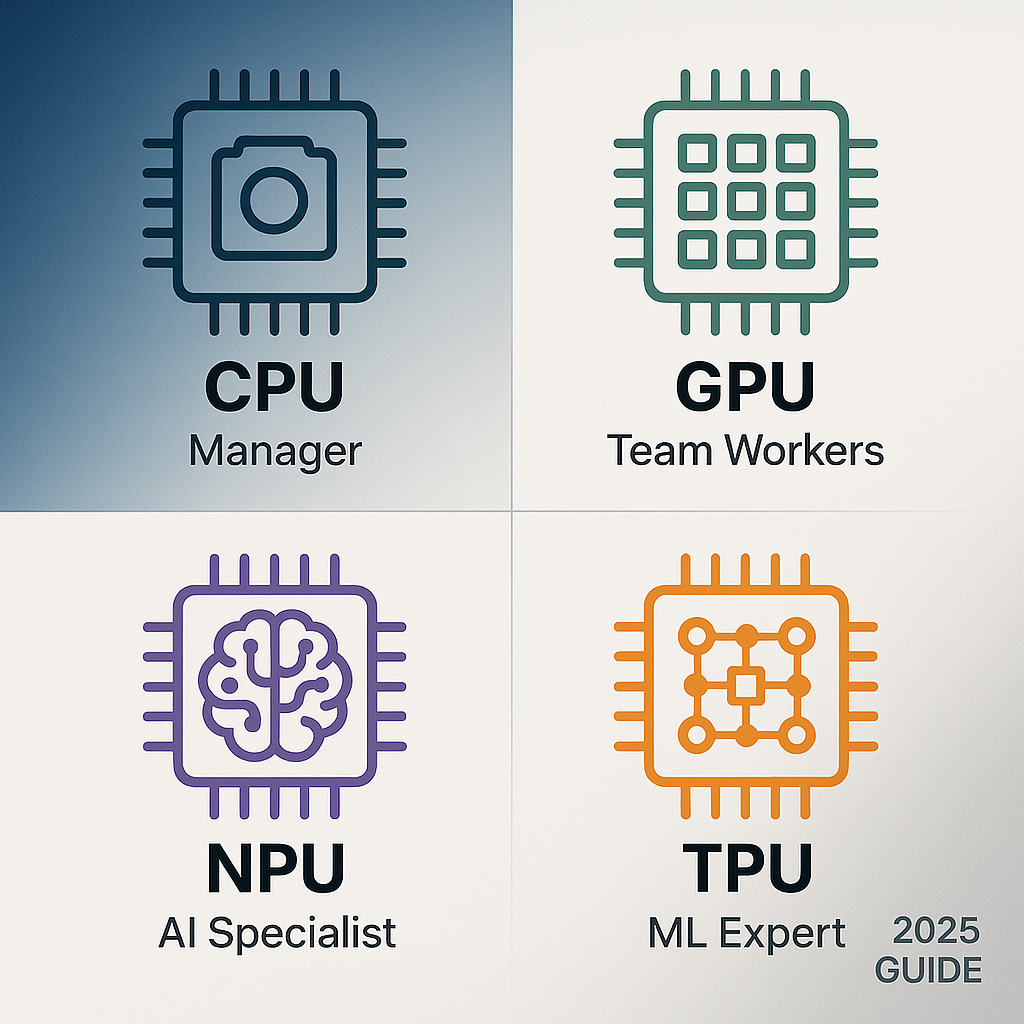
Since the 1990s, we’ve relied on the CPU (for general tasks) and the GPU (for graphics). In 2026, we have the NPU (Neural Processing Unit).
Think of it this way:
- The CPU is the General Manager (great at multitasking but gets overwhelmed by heavy math).
- The GPU is the Artist (great at rendering visuals and heavy parallel processing).
- The NPU is the AI Specialist. It is a chip designed specifically for the “matrix math” that runs neural networks.
Why does it matter? By offloading AI tasks (like background blur in video calls or real-time translation) to the NPU, your CPU stays cool and your battery lasts up to 26 hours—even under heavy use.
<a name=”tops-bar”></a>
2. The 40 TOPS Bar: Why it’s the New Gold Standard
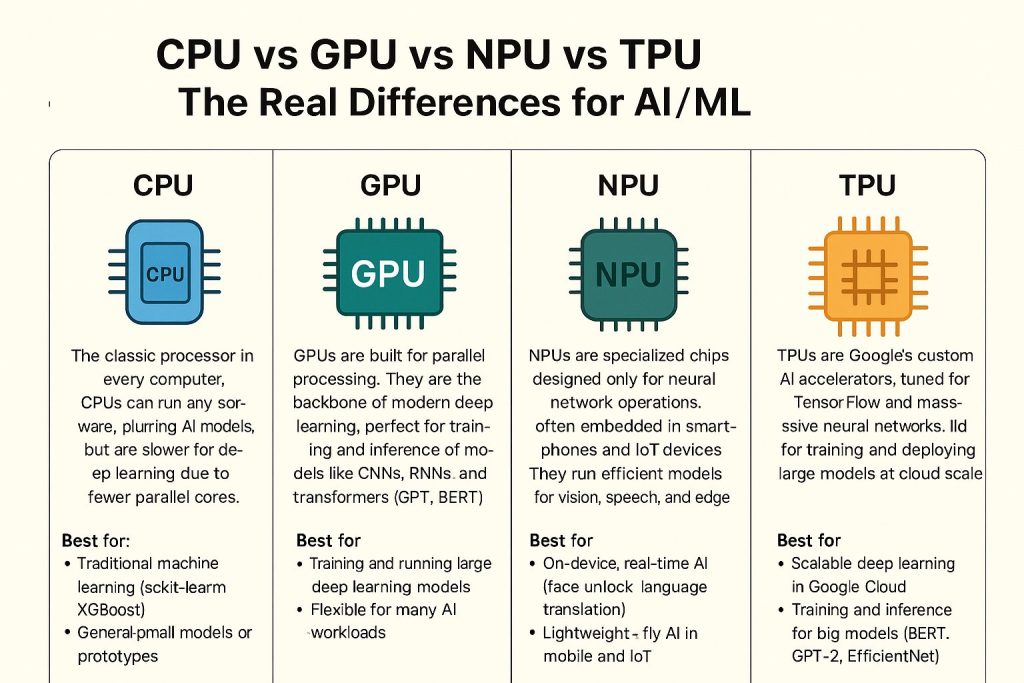
In 2026, Microsoft and other major software providers have set a strict hardware requirement for “Next-Gen AI” features: 40 TOPS.
- Below 40 TOPS: Your laptop will struggle to run local AI assistants and will rely on the cloud, causing lag and privacy risks.
- Above 40 TOPS (Copilot+ Certified): Your laptop can run Small Language Models (SLMs) locally. It can transcribe a 1-hour meeting, summarize it, and generate action items—all without an internet connection.
<a name=”benefits”></a>
3. Real-World Benefits: Productivity Beyond the Hype
Why should a business owner care about NPUs? It’s about Operational ROI.
- Silent, Cool Performance: NPUs are 10x to 100x more efficient than CPUs for AI tasks. This means no loud fan noise during a 2-hour AI-enhanced presentation.
- Windows Studio Effects: Imagine crystal-clear audio that filters out a barking dog or a construction site next door, plus “Eye Contact” correction that makes you look at the camera even when you’re reading notes.
- Local Data Sovereignty: With the DPDP Act 2023 now in full force, processing sensitive company data locally on the NPU instead of sending it to a cloud server is the safest way to stay compliant.
<a name=”leaderboard”></a>
4. The 2026 Hardware Leaderboard
If you are buying laptops this quarter, these are the chips powering the “AI-Native” revolution:
| Processor Family | NPU Performance (TOPS) | Best For |
| Intel Core Ultra (Series 3) | 50 TOPS | The “All-Rounder” for corporate fleets; highest software compatibility. |
| AMD Ryzen AI 400 | 60 TOPS | Creative pros and power users needing the highest raw AI throughput. |
| Qualcomm Snapdragon X2 Elite | 80+ TOPS | Mobile executives; “Multi-day” battery life and always-on 5G/6G. |
| Apple M5 (Neural Engine) | 38-45 TOPS | The gold standard for design and video teams in the Apple ecosystem. |
<a name=”advice”></a>
5. The Eduglar Advice: Don’t Buy Until You Check This Spec
A “cheap” laptop in 2026 is an expensive mistake. If you buy a non-AI-native machine today, your staff will find that new versions of Microsoft 365, Adobe, and even Zoom will run significantly slower.
Our 2026 Procurement Checklist:
- NPU Spec: Ensure the NPU is rated for at least 40 TOPS.
- RAM: Minimum 16GB (32GB is the new “safe” standard for AI multitasking).
- Local Storage: Minimum 512GB SSD to store local AI models.
- Cooling: Look for “Fanless” or “Low-Noise” designs made possible by NPU efficiency.
Is your office hardware holding your team back?
[Contact Eduglar for a Fleet Hardware Audit] | [Download the 2026 AI-PC Buyer’s Guide]